Placing large 3D objects in AR
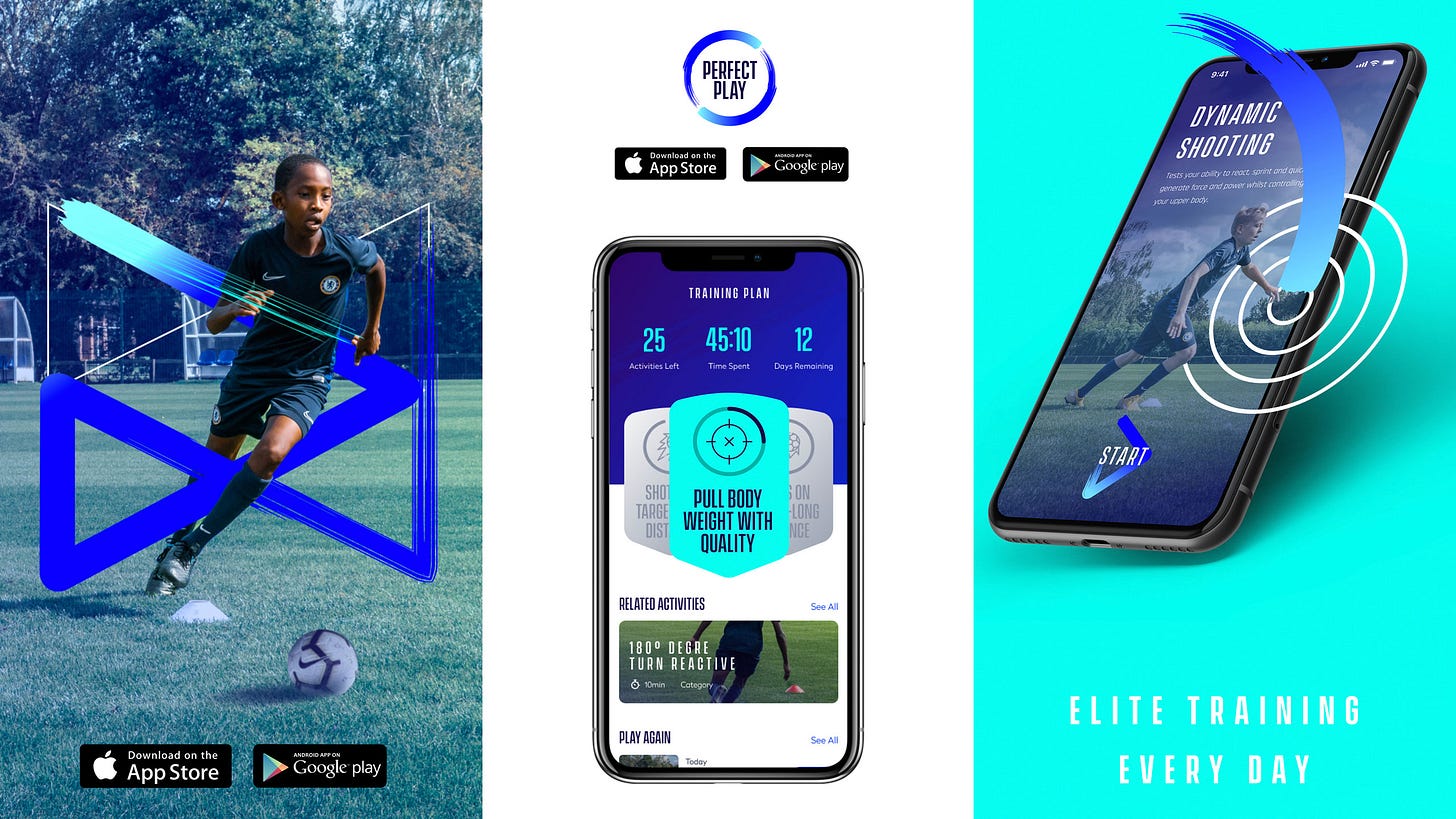
An adapted write-up on an issue we ran into at Chelsea DV while building Perfect Play, a football app that uses AR to help players lay out training drills on a real pitch.
Most AR placement patterns assume you're positioning something pocket-sized — a chair, a lamp, a sofa. We needed to place activity fields more than 5 metres long, and in 2020 nothing off the shelf handled that well.
OverviewThe brief
This is an adapted write-up on an issue we ran into at Chelsea DV while building Perfect Play, a football app that uses AR to help players lay drills out on a real pitch. Plenty of AR apps place 3D objects on a plane — but as of 2020, none of them handled anything longer than about five metres.
Disclaimer: some details and data have been deliberately obfuscated to comply with the NDA between Felix and Chelsea DV.
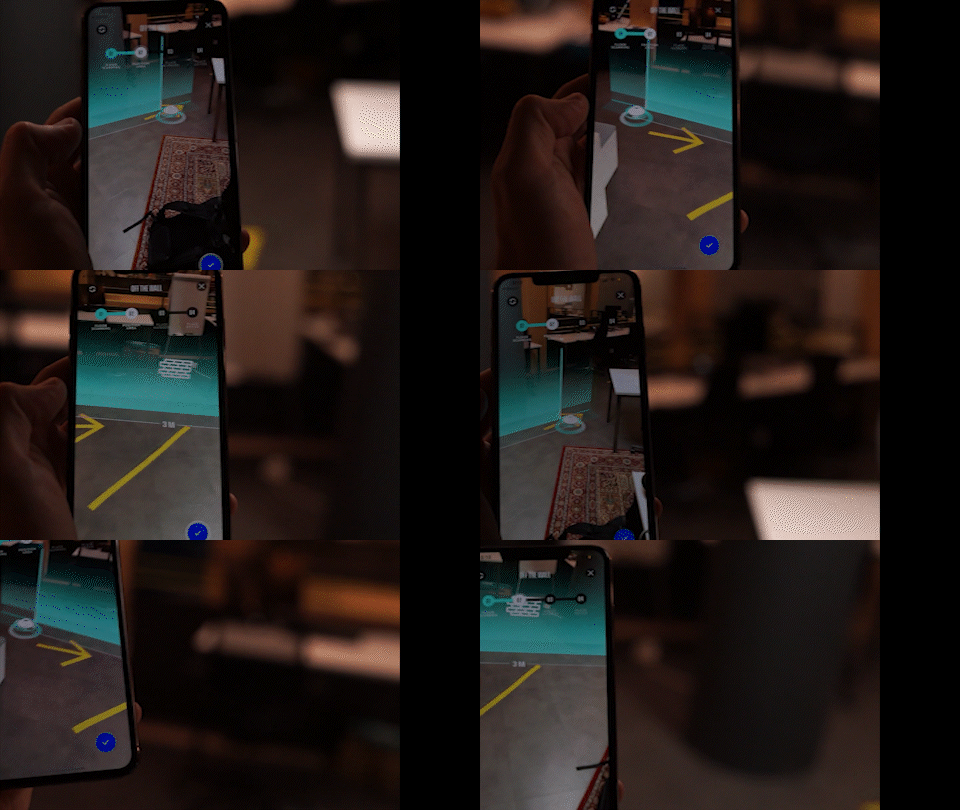
The problemBig objects break small-object assumptions
Placing a large object in AR is jarring in a way small objects aren't. First, you can't ask someone to run around and scan an entire football pitch before they've even seen what they're placing. Second, drop the object in without a clear anchor point and it can land in the wrong spot entirely — or worse, the player finds themselves standing in the middle of it, with no obvious way out of the confusion.
ResearchLooking at how other apps handle scale
This was clearly a hard problem to find prior art for. IKEA's AR planner was the closest thing to a gold standard for placement confidence, but the largest piece of furniture it could place was only about three metres wide — and it leaned on scanning the whole room to auto-place with enough clear space.
From there we looked at other categories built around scale: AR ruler apps, and the floor-plan scanners real-estate apps use to map a room.
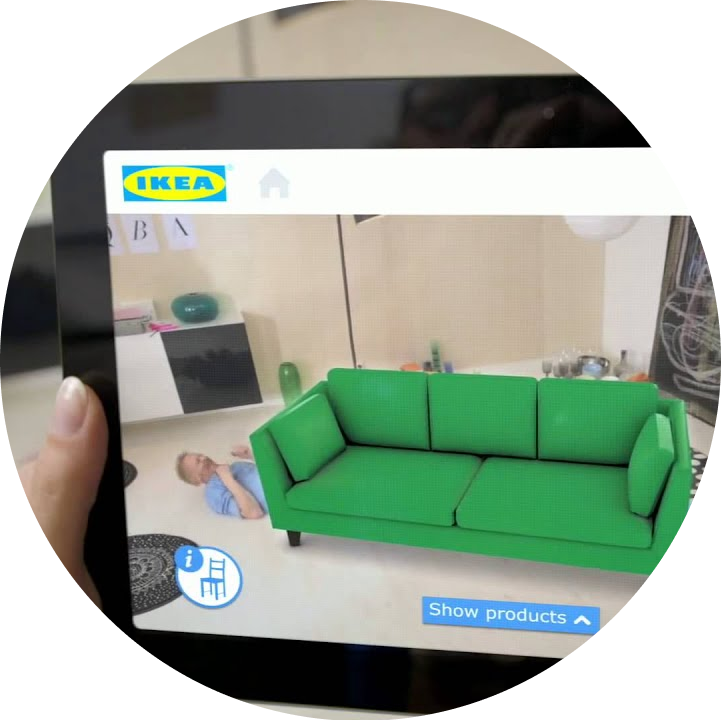
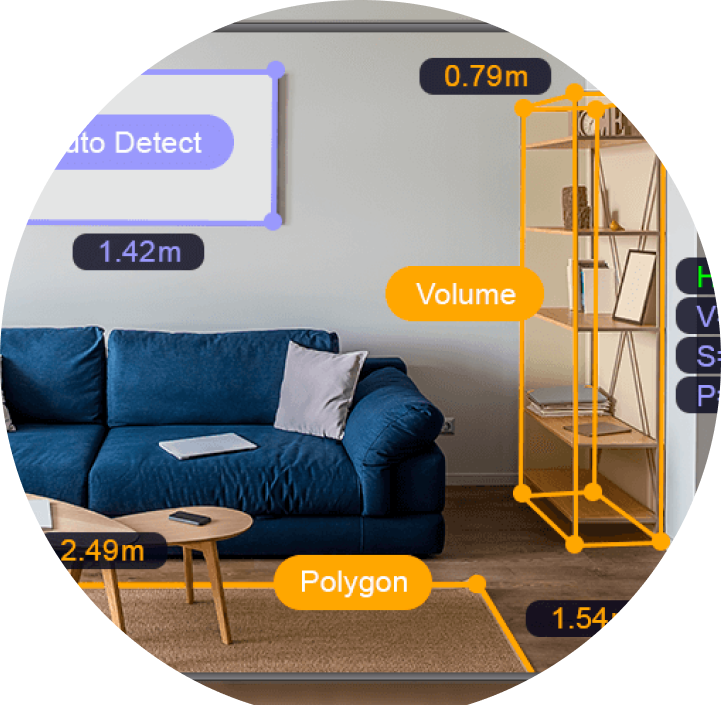
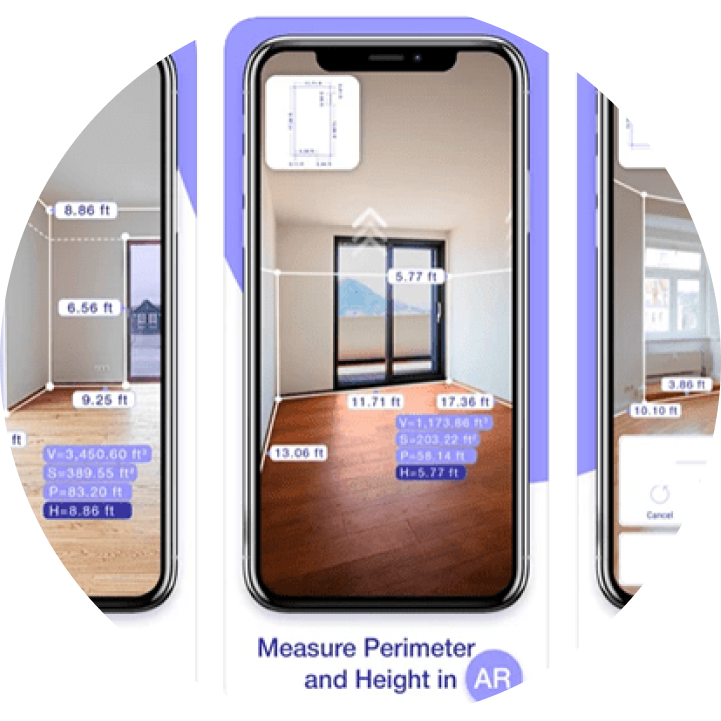
Main sources of research: the IKEA planner, a ruler app, and a floor-plan app
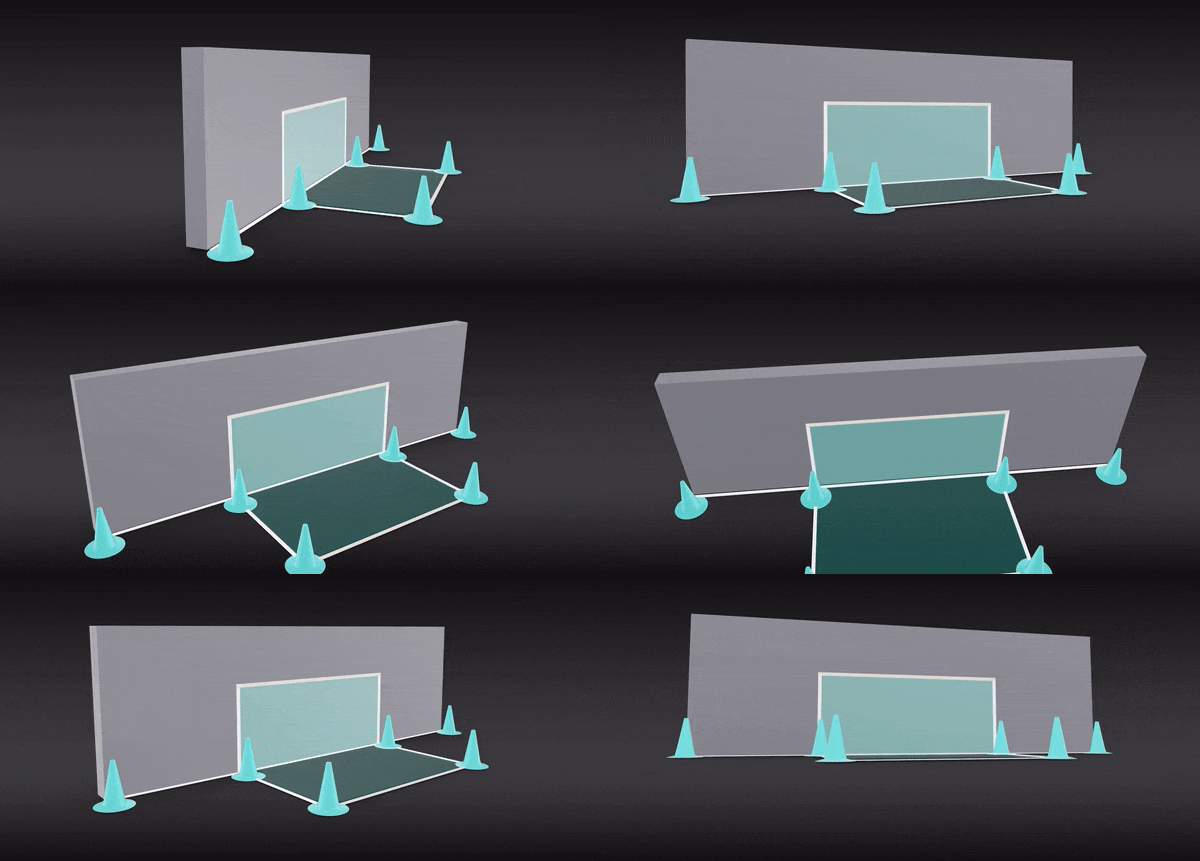
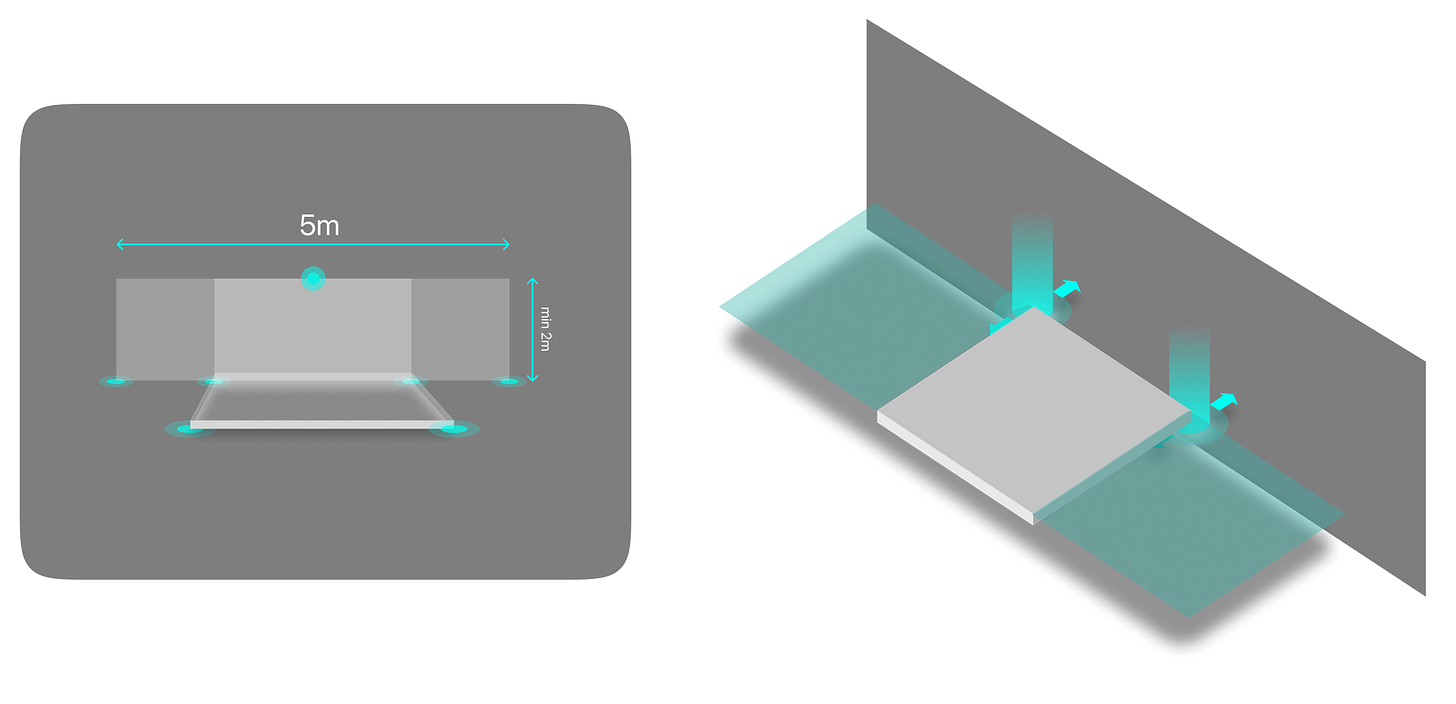
Building an activity fieldFrom template to real pitch
Improving football skills works in mysterious ways. Coca-Cola-commercial footage of kids playing keepy-uppy on a dusty pitch looks nice, but real skill is sharpened through specific drills, refined over years inside football academies — and every one of those drills needed to work on wildly different real-world spaces: a back garden, a five-a-side cage, an open park.
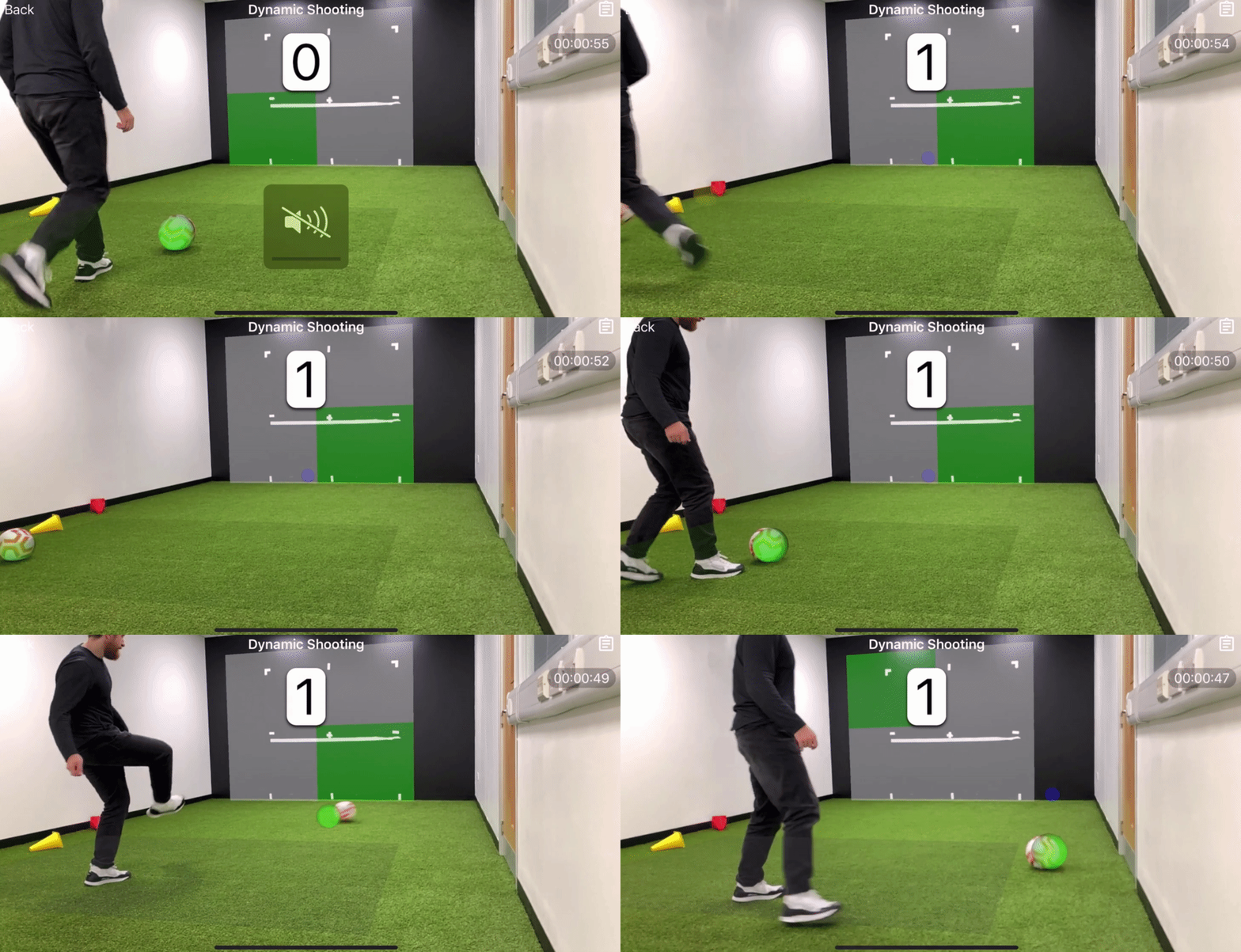
Activity templates
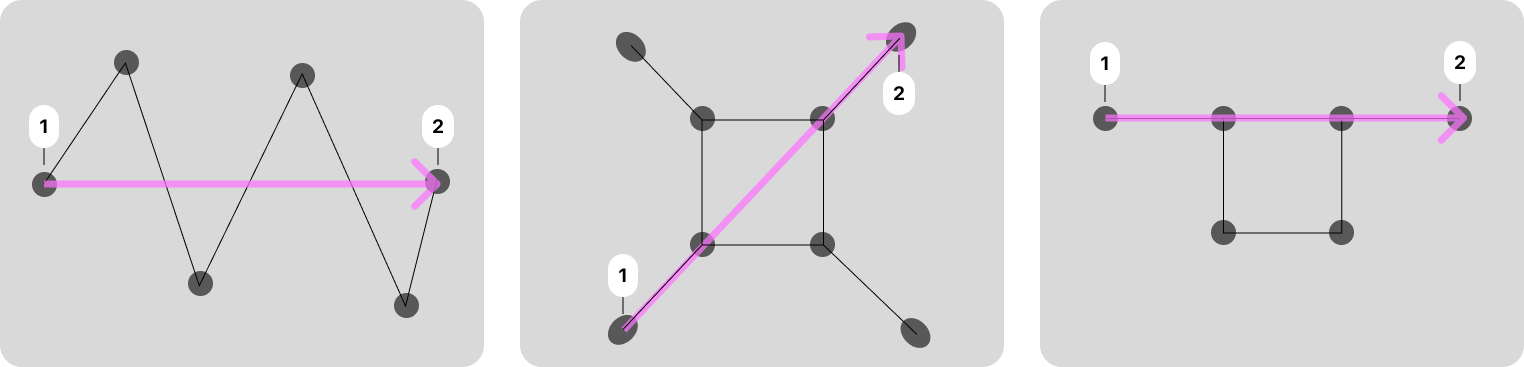
Each activity had its own shape and its own placement rules — some needed to sit flush against a wall, and as of 2019 ARKit didn't have wall detection to rely on. Three examples that shipped: Zig zag dribble, a narrow snaking lane; Aerial control two touch, a compact square footprint; and Gate game, a pair of gates spaced along a line. Easy enough to set up on a real pitch — try doing it in a backyard.
To build them, we worked out the median line running through each shape — marked in magenta below — and used that as the axis the rest of the template was built from.

Scanning the environment
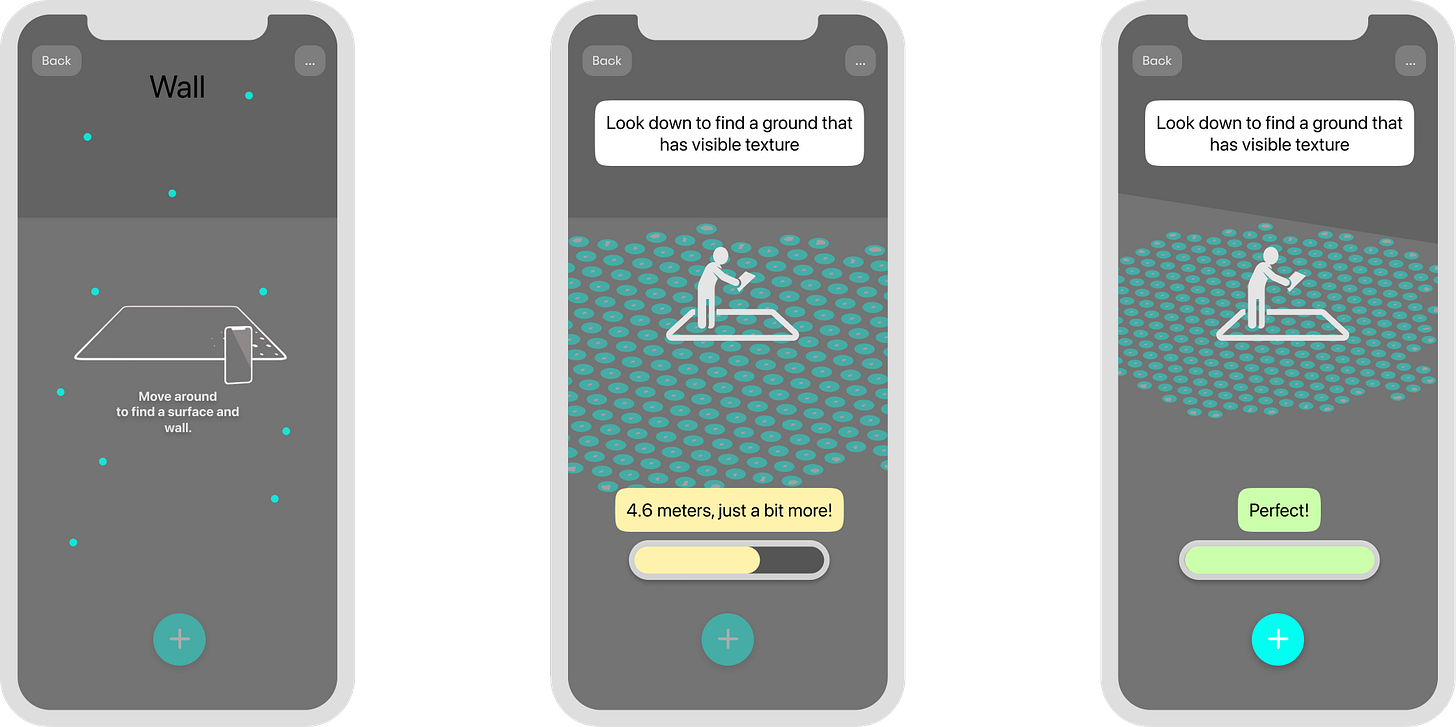
AR needs to both detect the plane and confirm there's enough clear space for the template — the latter more of a "nice to have" for the templates that needed a large area. The player is prompted to move around and scan; as they do, a progress bar and a blue dot matrix chart the scanned ground to keep it from feeling like a loading screen. Once there's enough space, the flow either unlocks automatically or hands control to the player to push forward.
Playground designs
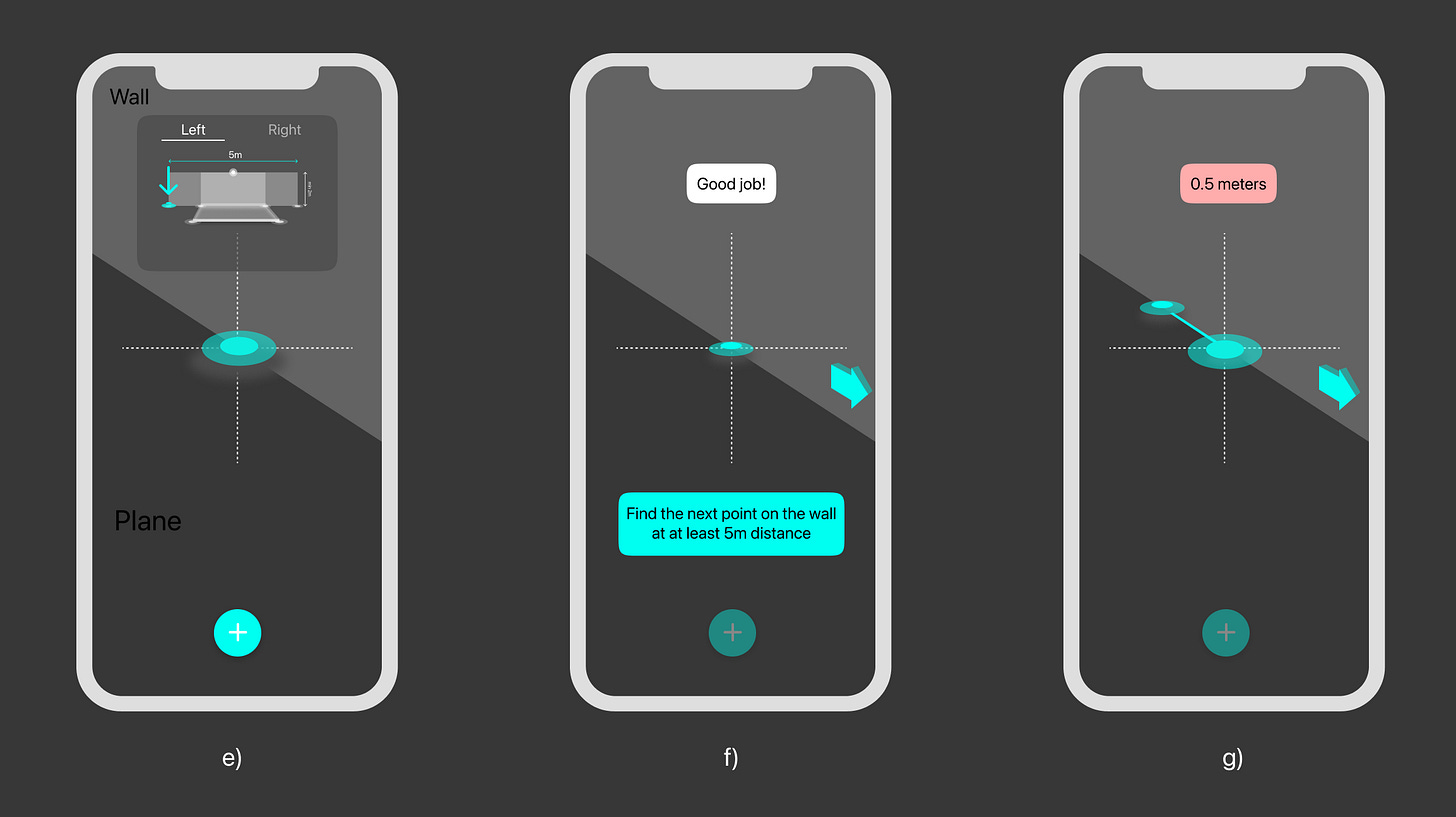
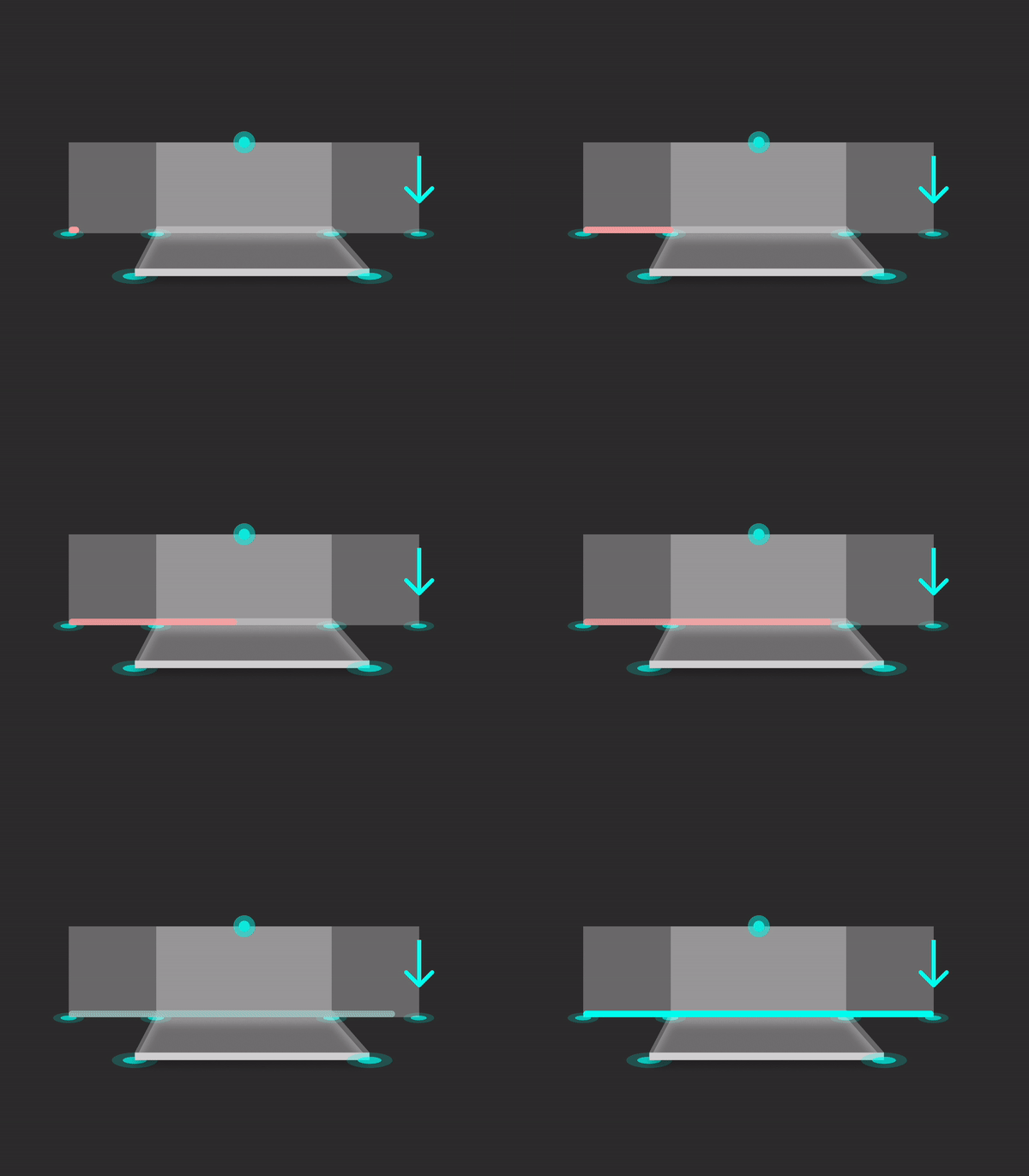
Every template has a defining line — usually between the two points furthest apart — used to check there's enough room to play. For a gate-based drill, that meant placing a first point flush against a wall (with the option to mirror the start from left to right, for left-handed players), then guiding the player to walk the device out along that line while the distance was measured live and shown in red until there was enough space.
AdjustmentsLetting people fix it after the fact
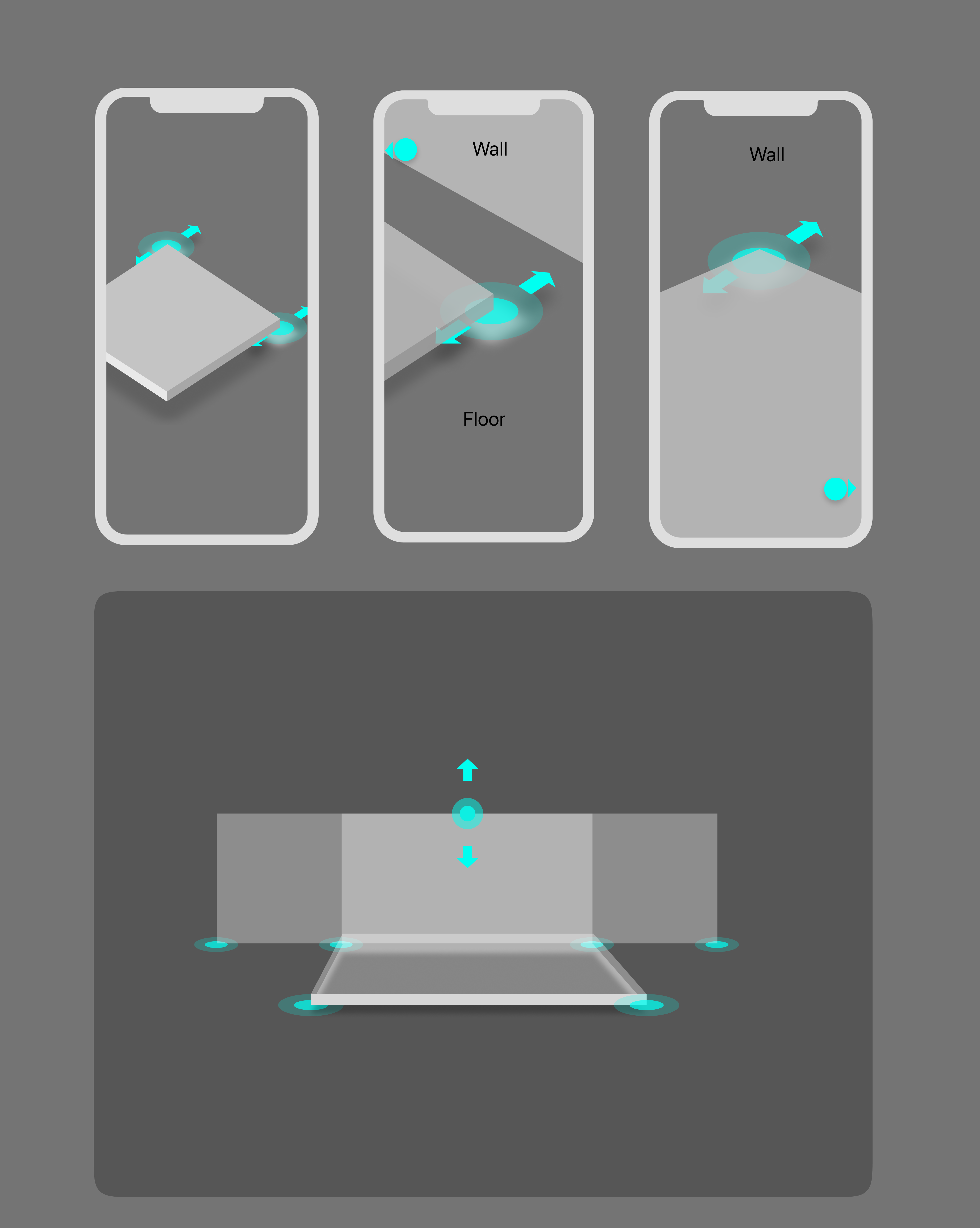
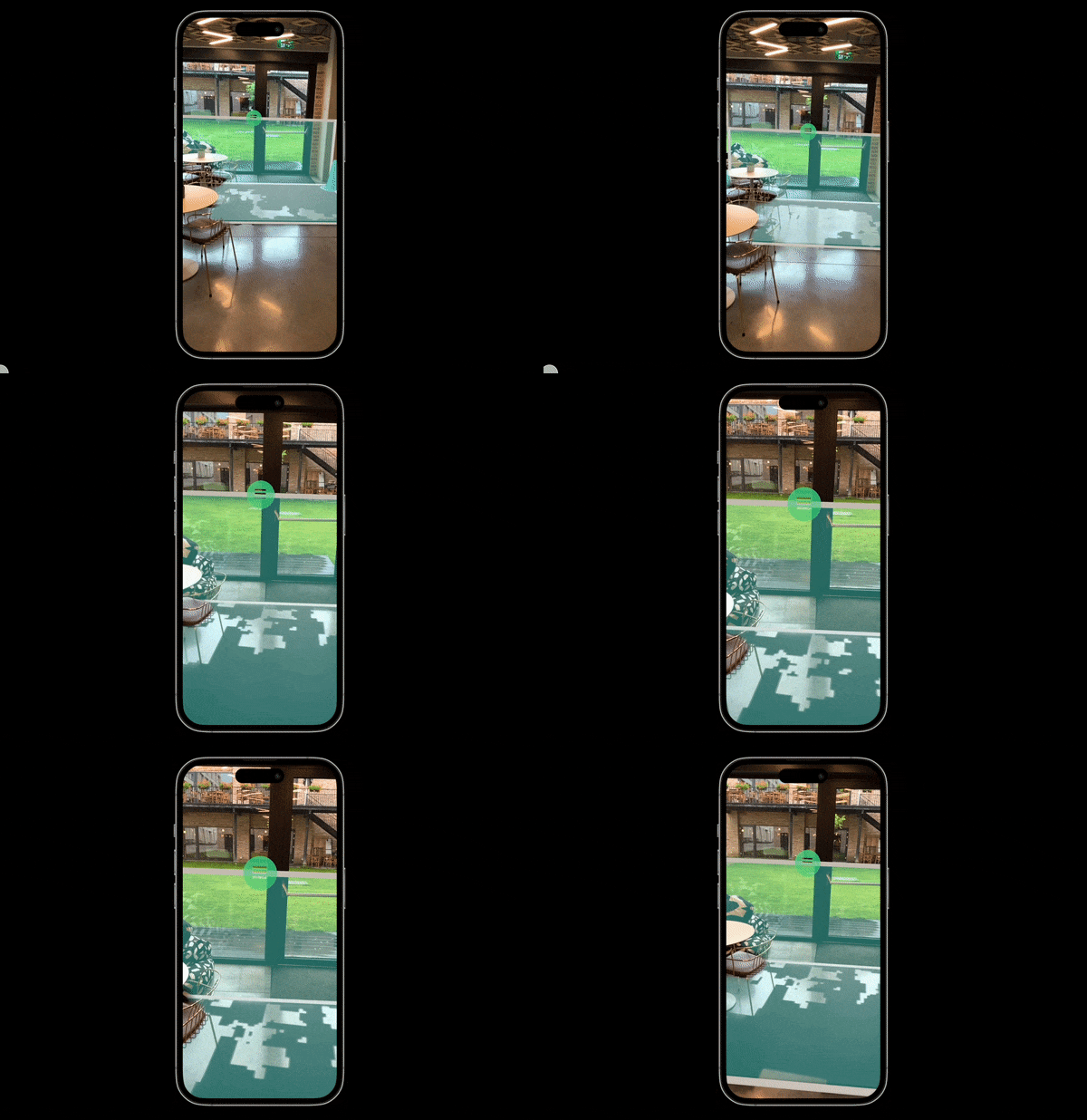
Every placement is either fixed or needs adjusting — some purely optional, others closer to a required check. If a field ends up too close to a wall, the player gets the option to nudge it or confirm and move on.
Small "guide dot" indicators appear whenever an adjustment handle drifts out of the camera's view, acting like a compass to point the player back toward it — alongside numbered steps, for drills where it helps to know how many adjustments are left.
ConclusionsBorrow, don't invent
The fastest path here wasn't a novel AR interaction — it was combining three existing, well-understood patterns (furniture-grade placement confidence, ruler-grade measurement, floor-plan-grade spatial awareness) into one flow built specifically for objects too big for any one of them to handle alone.
- As this was being written, Apple unveiled the Vision Pro — likely the moment this medium starts going mainstream, beyond professional and edge-case use.
- Most of today's rough edges — wall/edge detection, awareness of objects and other IoT devices in the room — should get solved by AI and computer vision over time.
- Designing good UX for AR isn't fundamentally different from good design in general, but it does need a different toolkit for the extra dimension: Torch, Shapr3D, and tricks in Protopie, Framer and After Effects all had a part to play.