Designing the Midjourney app that doesn’t exist yet
By mid-2023, Midjourney still had no dedicated app — just Discord, repurposed as an image-generation command line with a chat window bolted around it.
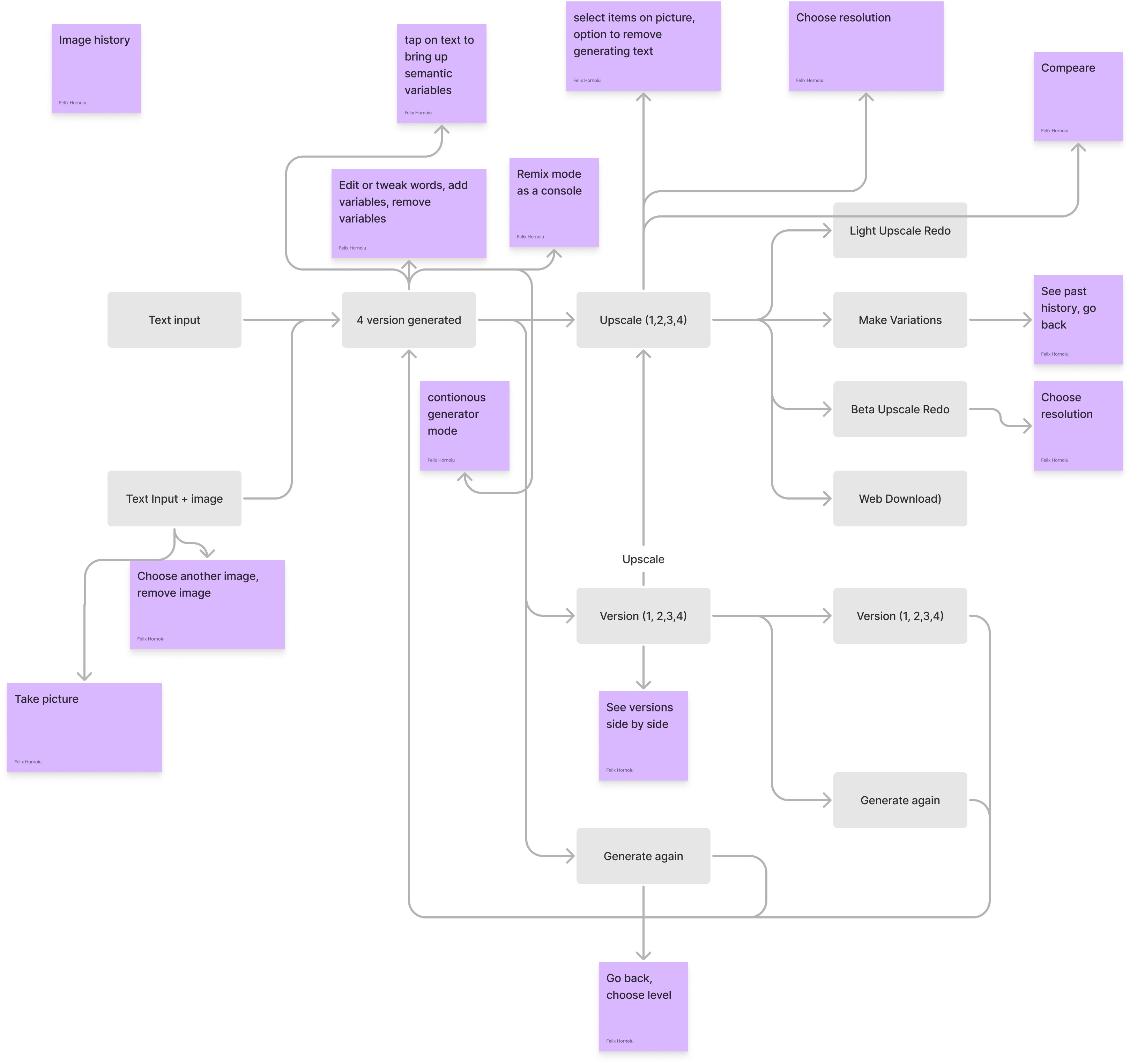
As a 36-year-old designer, I found that interface a bit too hacky — fine for shipping an MVP fast, but nowhere near what a standalone product deserves. So as a thought experiment, I sketched one in Protopie: breadcrumb navigation, long-press semantic selection, and a blend feature you could actually drag instead of typing at.
OverviewDiscord was never the answer
Text prompts are fine for a novel idea in its early-adopter phase, before mass adoption — but any real product ends up needing a multimodal mix of text, images and GUI elements. Midjourney's Discord-only interface asks users to remember slash commands and read parameter syntax, which works, but feels more like a game console cheat code than a considered piece of software.
It also skews who the tool is comfortable for: the interface leans on the fact that people between roughly 12 and 30 are highly adaptable and will figure out almost any command scheme handed to them. A dedicated app shouldn't need that kind of goodwill.
Primary featuresThree ideas, sketched fast
As a thought experiment, I tried to imagine how a real Midjourney app might behave, using Protopie to move quickly between quick ideas rather than polish any single one. Three stood out:
- A breadcrumb-style navigation that shows the level of each creation, starting from the original prompt.
- Long-pressing on an object to select and highlight it semantically, with AI-suggested variations surfacing underneath.
- An overlapping slider to compare full-resolution upscale versions against each other.
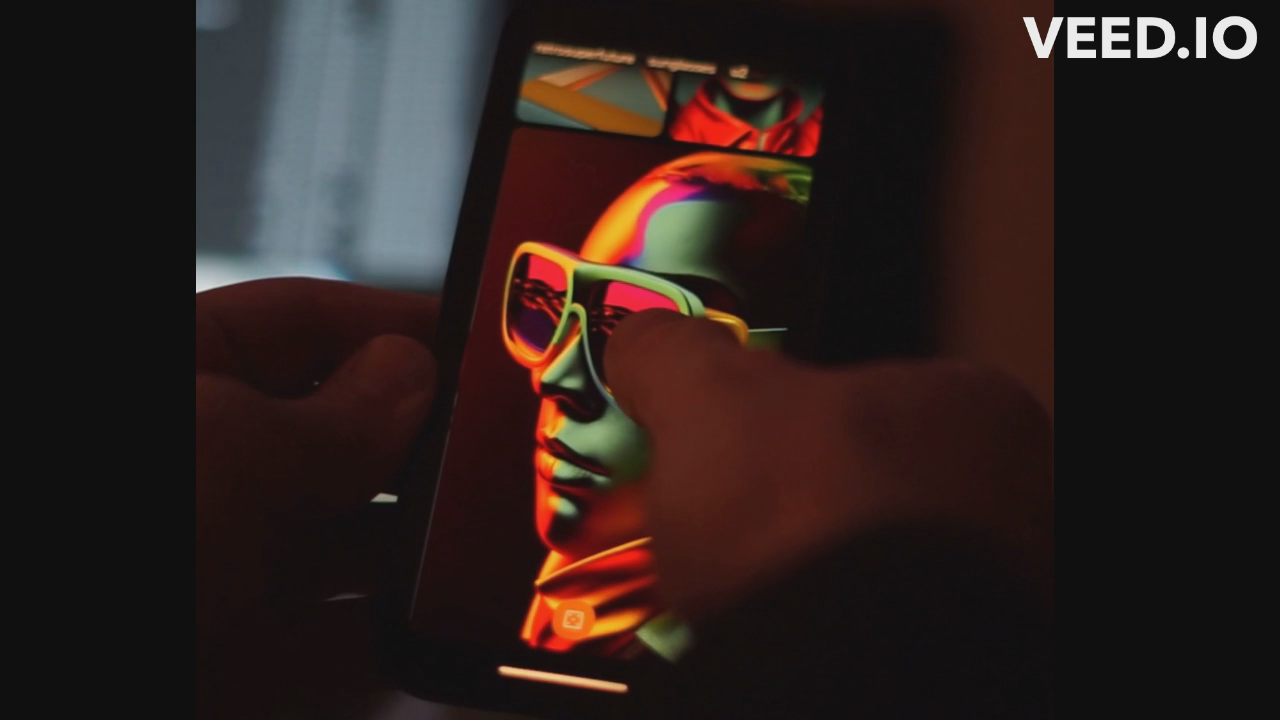
Semantic selectLong-press to see what the model sees
The idea that got the most testing: hold a finger on any object inside a generated image and the interface highlights everything the model considers part of that object, with a row of AI-suggested variations for it appearing right below — no prompt-writing required. I mocked it up against a portrait wearing sunglasses, since a small, well-defined object made the interaction easiest to judge.
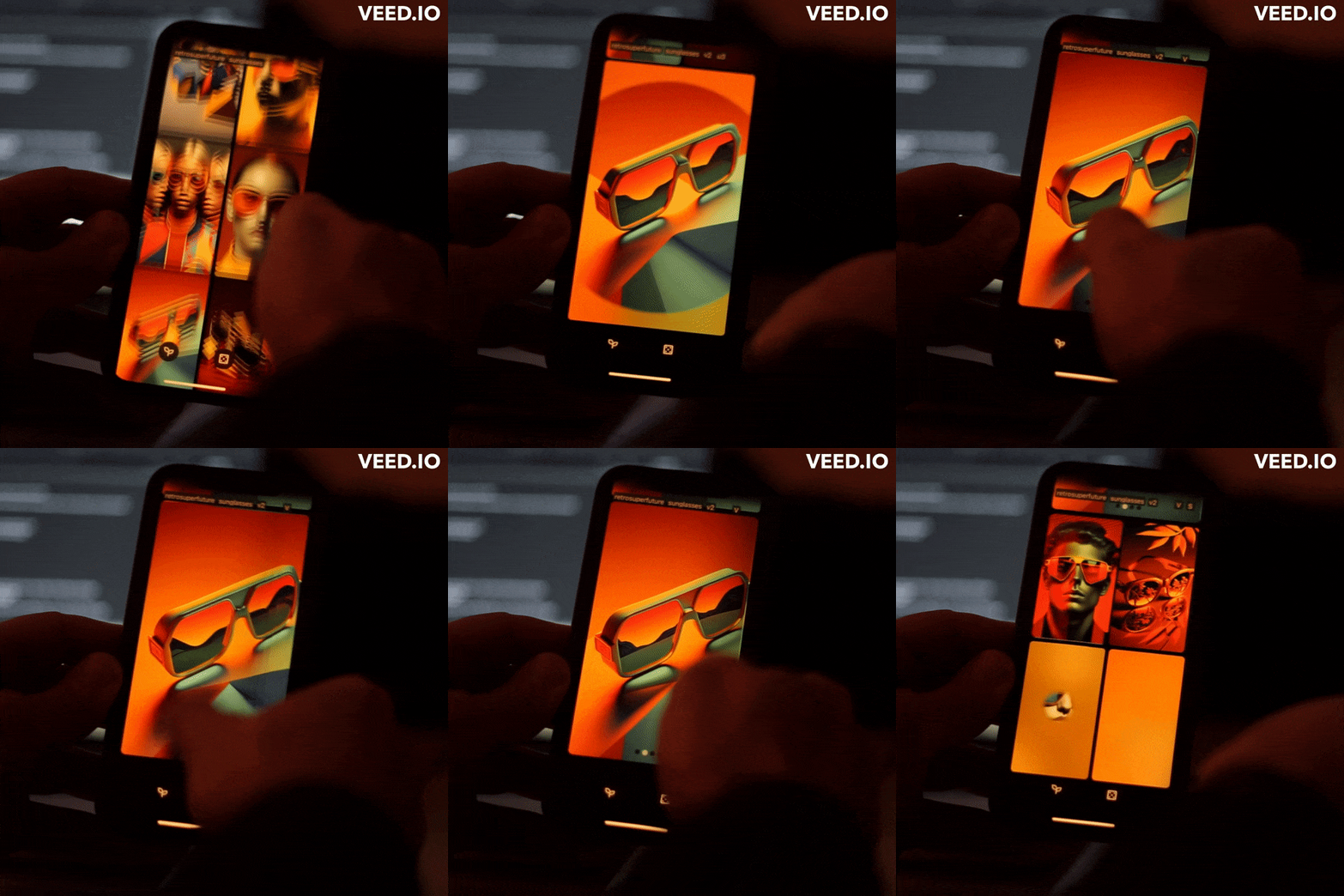
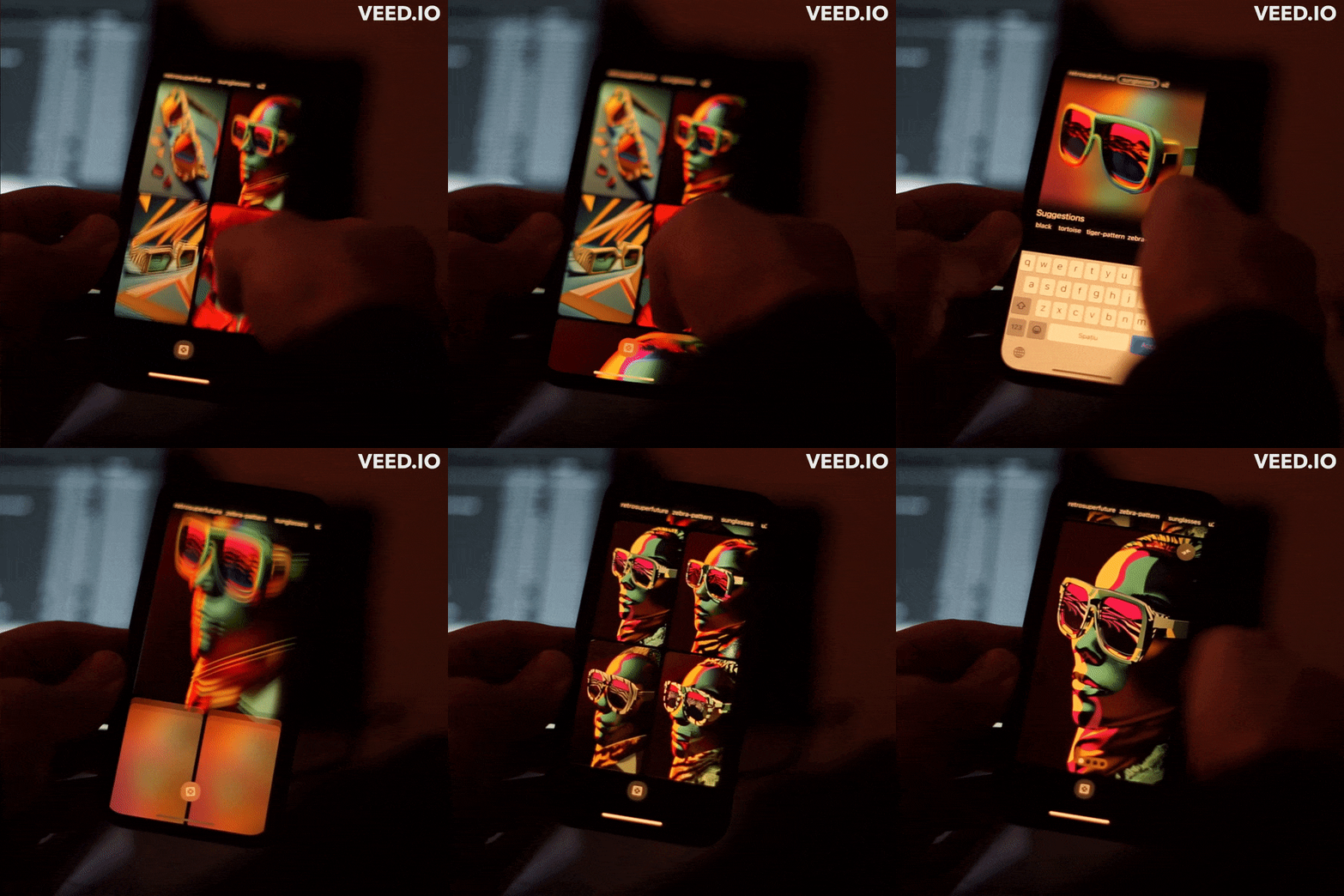
Semantic select, then the variation tray it opens
BlendDragging two images together, instead of typing at them
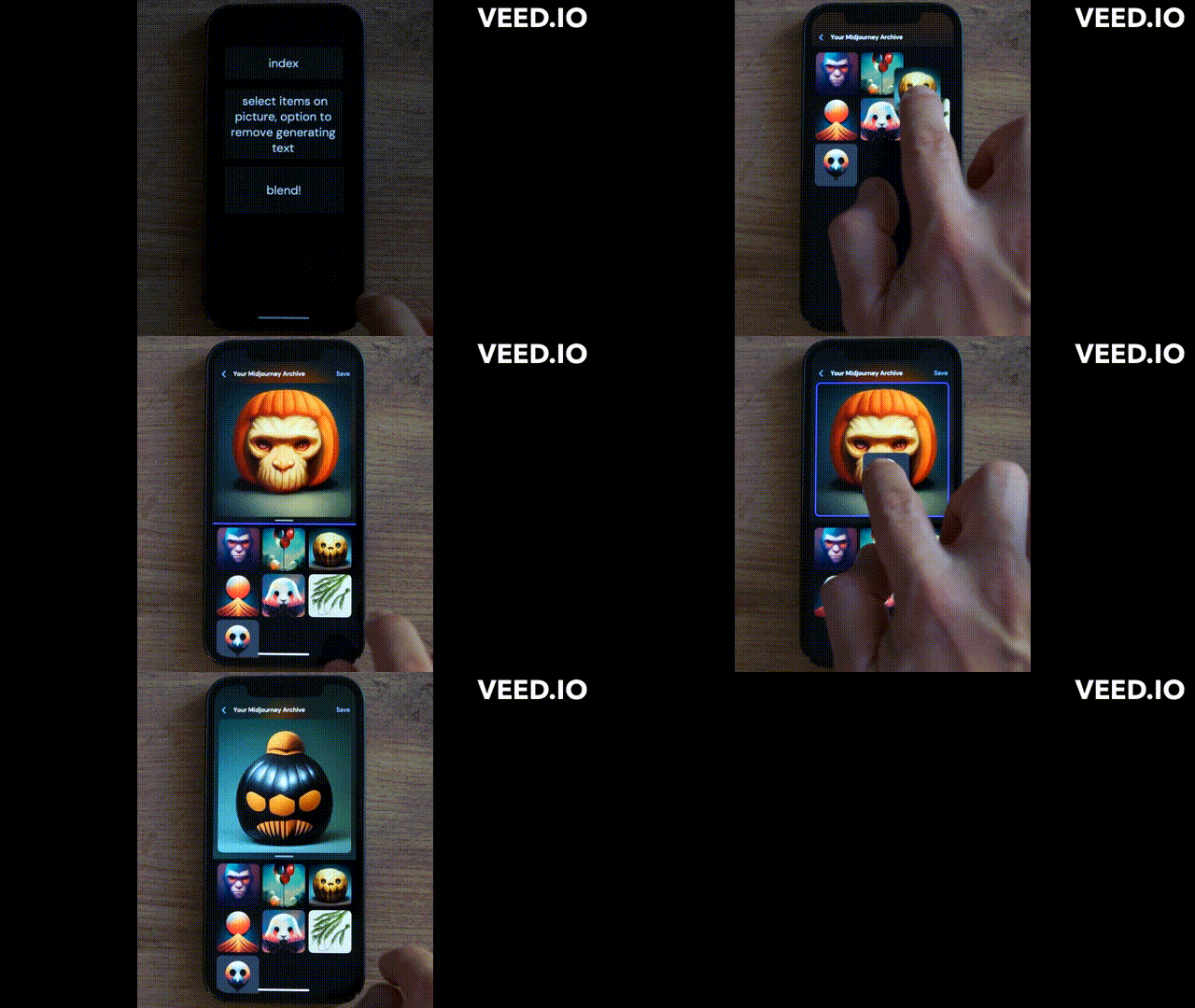
Midjourney's existing Blend feature works, but it's another command to remember and another set of parameters to get right. The app version I sketched replaces that with plain drag-and-drop: pull one generation on top of another and the interface handles the merge, with a slider to control how much of each survives.
ConclusionsBuilt for whoever's willing to learn the syntax
None of this needed to be a novel interaction pattern — breadcrumbs, long-press selection and drag-to-merge all exist elsewhere already. The gap was simply that Midjourney had never been asked to work outside a chat window, so nobody had put those patterns together for it.
- Discord is a fine MVP wrapper, but it filters out anyone unwilling to learn command syntax — which is most people outside the earliest adopter cohort.
- Semantic, long-press selection turned out to be the most convincing idea of the three: it hides the prompt entirely and lets the image itself be the interface.
- A dedicated app was inevitable once the underlying model was good enough to stop needing constant re-prompting — the interaction design was always the easier half of the problem.