My 3D neon lights + Spline prototyping app, reviewed
A winter 3D-printing habit turned into replicas of old industrial "explosion proof" neon lamps — the chunky kind you still find in flea markets around cities with an industrial past.
That led to a bigger question: could I prototype a proper product page — color, size and light configurator — in actual 3D, without faking it with cued-up ProtoPie video or cut-up Rive PNGs? This is a hands-on log of testing Spline, a browser-based 3D prototyping tool with a Figma-like UI, to find out.
BackstoryFrom flea-market lamps to a design problem
Most things sold as "neon tubes" today are LED strips inside plastic tubing, standing in for the gas tubes and complicated ignition electronics the originals needed — which is exactly why the old lamps were so chunky: a ballast to tame the current, and an igniter that made a satisfying noise every time you fired one up cold.
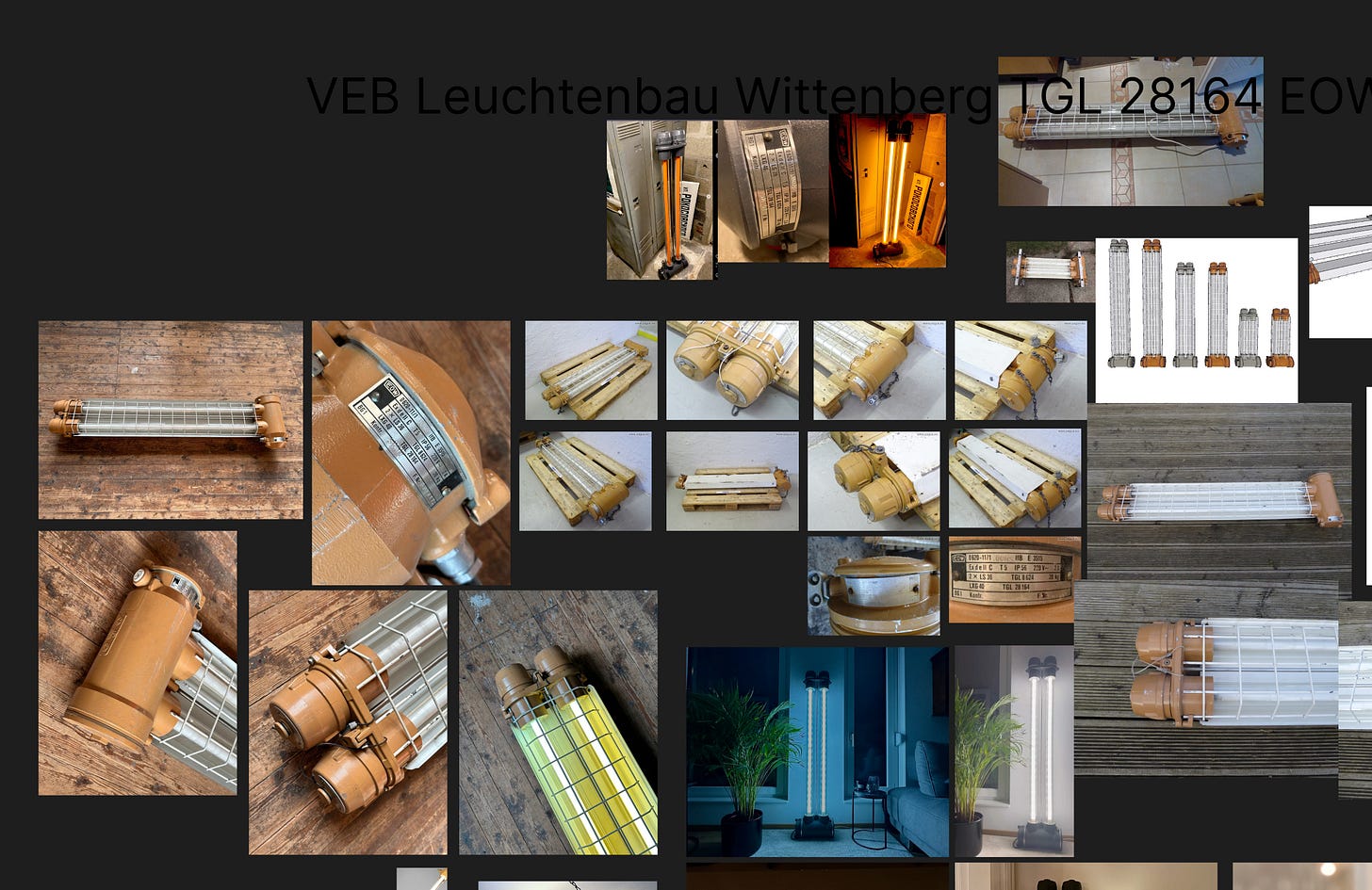
A modern LED version doesn't need any of that bulk — two wires would do. I kept the chunky housing anyway, on purpose, and used the extra space to hide a Philips Hue / Zigbee / Matter controller behind a clean, textile-braided cable. Never planned to sell them, but it got me thinking about what a product page — with a proper color, size and light configurator — would actually look like for something like this.
First testGetting a feel for Spline
Spline's interaction model is state-based: link a state change to a set of actions. It's a little limited on its own, but it also supports variables that appear to update in real time once you wire one up as a listener — not far off the direction Figma's own token-driven prototyping plugins are heading.
Texture support is deep, though one real gap stood out: there's no material that actually casts light onto its surroundings — the workaround is a self-illuminated "bright" material that ignores shadows to fake the effect. Not a dealbreaker, since the goal was something more convincing than a static comp, not a real-time renderer.
Second testGetting a model in, and apart
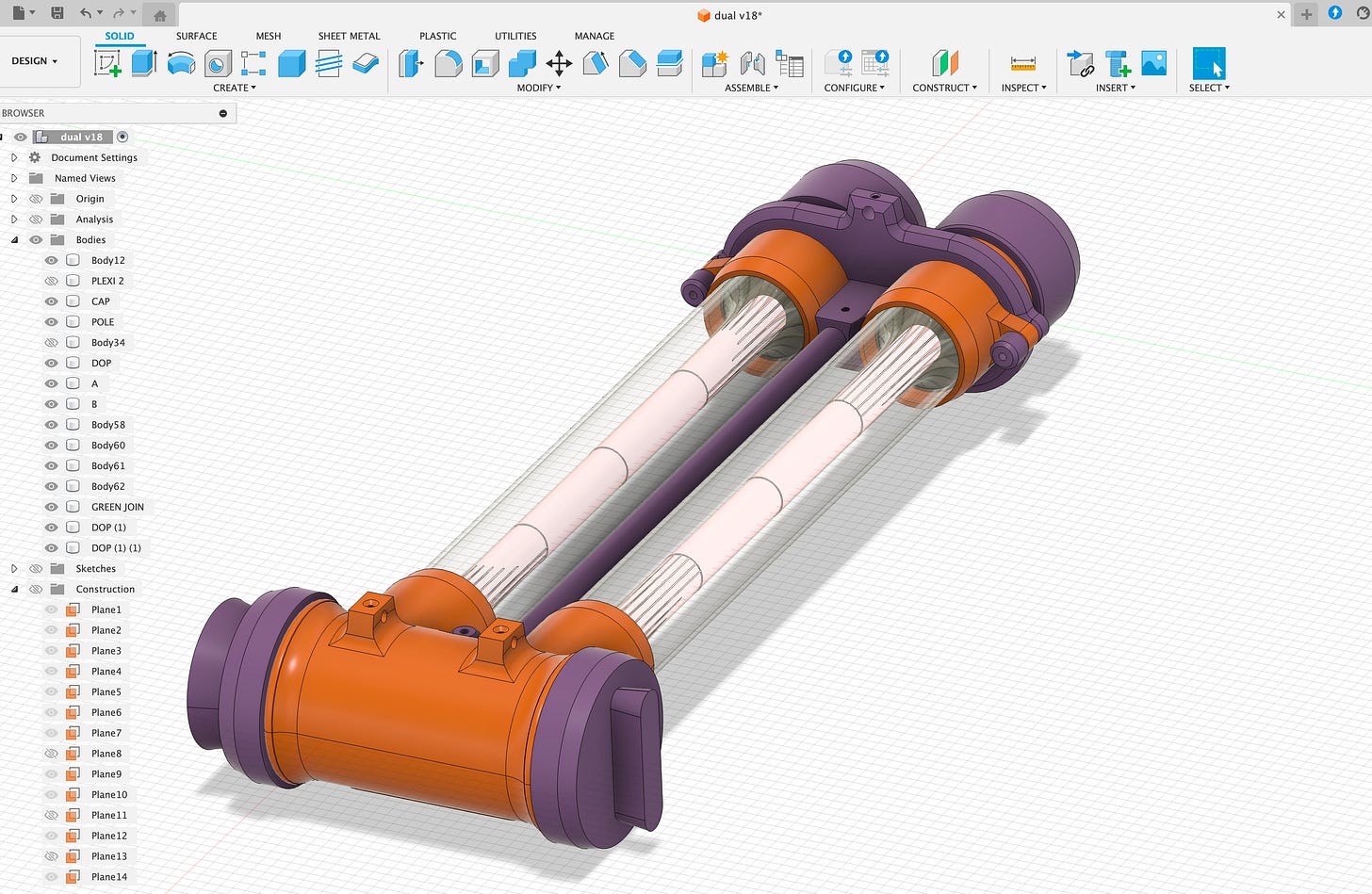
Bringing the lamp in from Fusion 360 while keeping sub-components and colors intact meant round-tripping through Blender: export as .FBX, re-export as .GLB. That path let the model be "disassembled" and animated piece by piece inside Spline — no full timeline to work with, but enough to open up some genuinely interesting animation ideas.
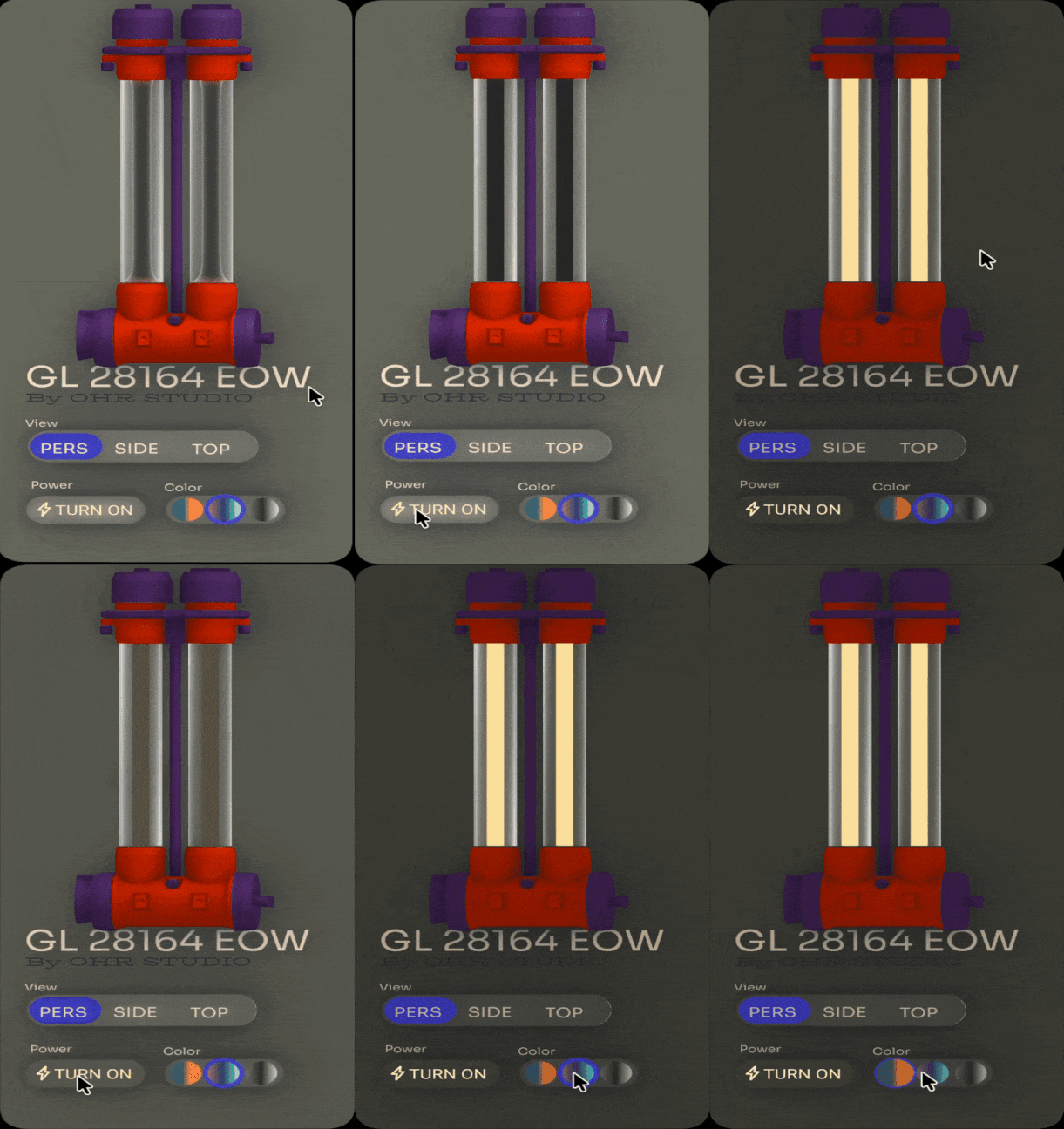
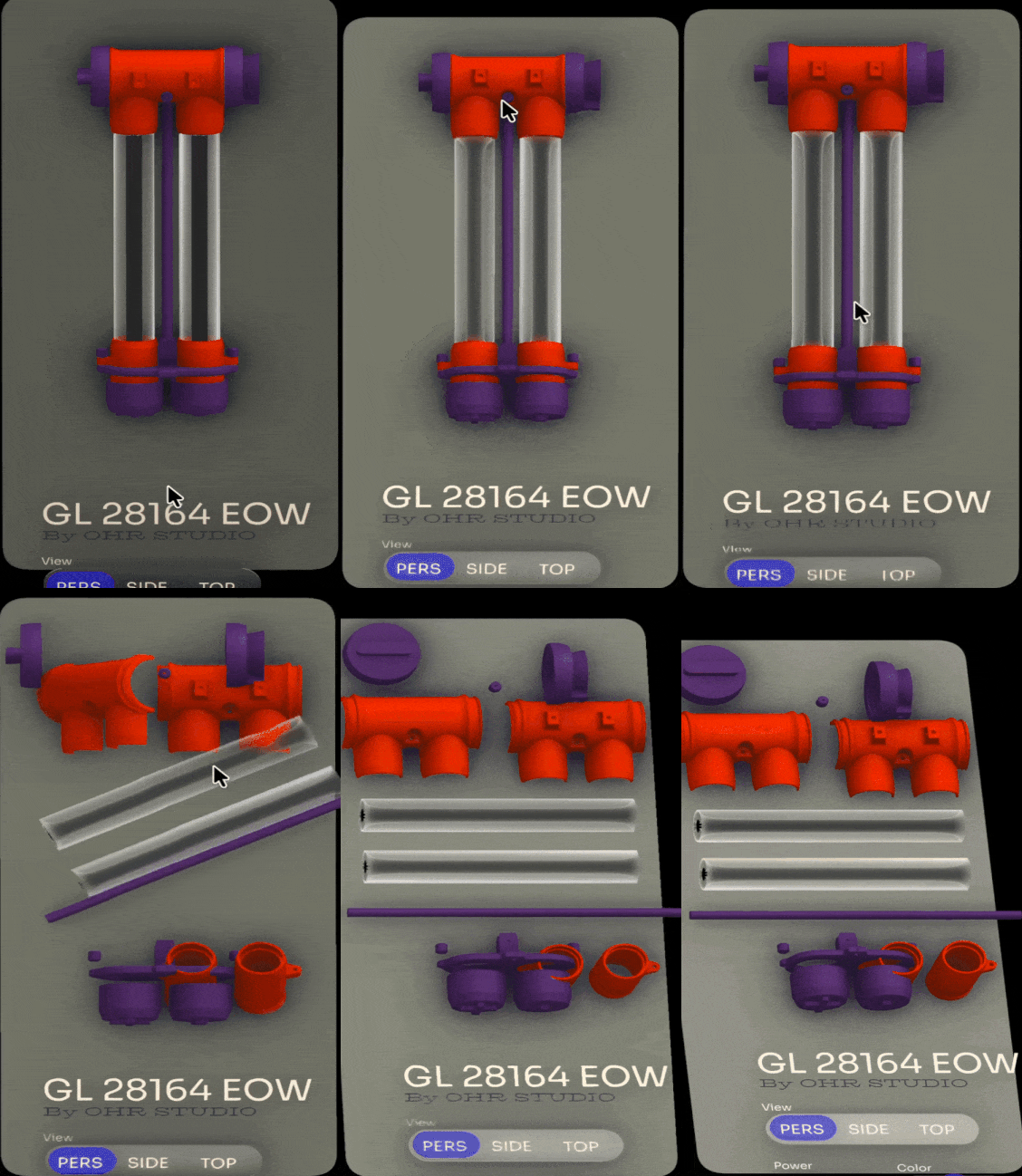
Second test — click to enlarge the GIFs
Third testDesigning with a brief, this time
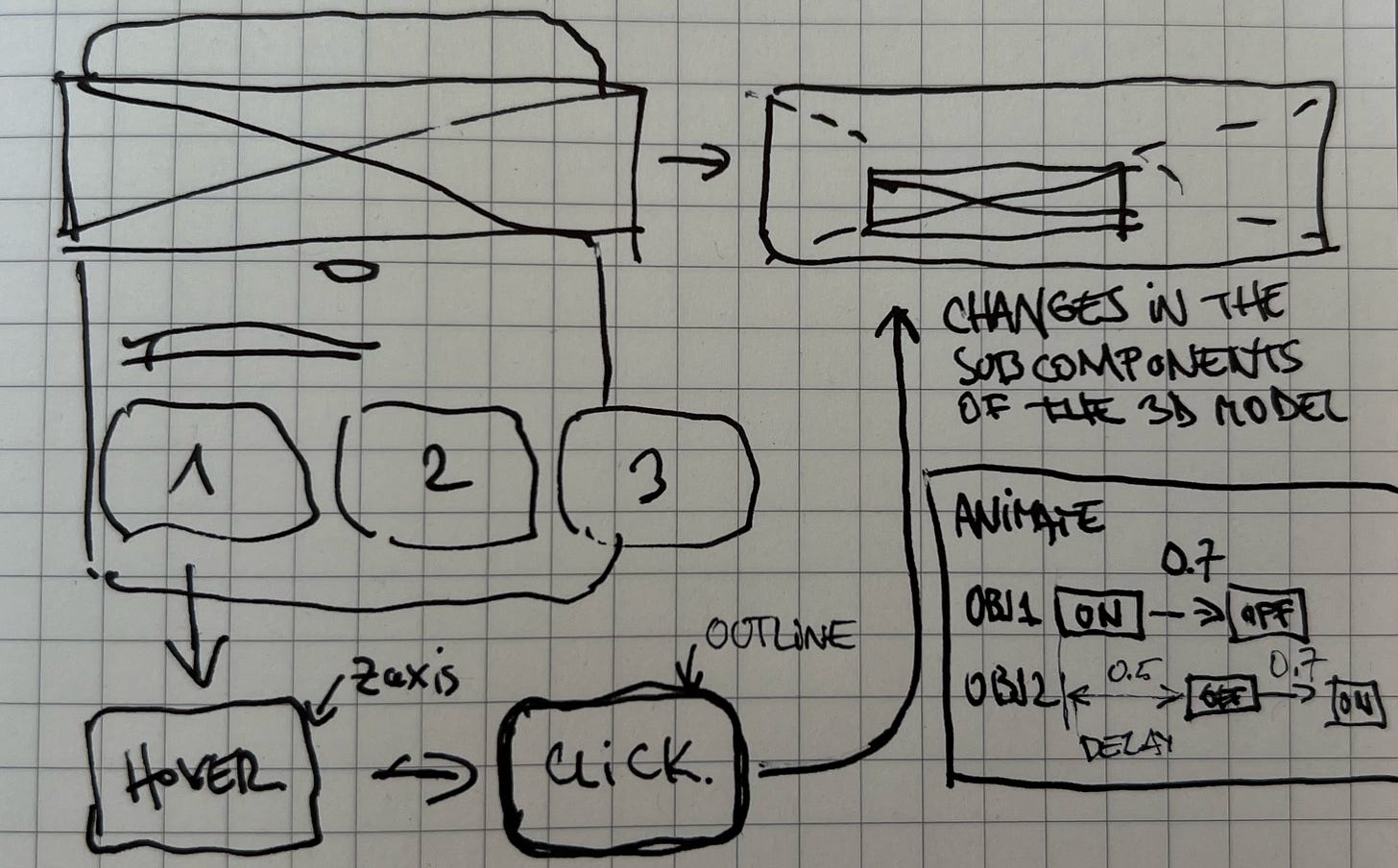
The last pass started with a proper brief instead of just poking around: a square-format section sized to work as a mobile view, or drop straight into a visionOS or console layout. Before touching Spline, the goals were set upfront:
- A 3D background that shifts gently as the mouse moves
- Three buttons with hover and selected states that trigger real changes in the 3D model
- Shapes that morph into place rather than just appearing
- Tuned lighting, plus a vignette
- Controls to rotate and move the model directly
ConclusionsWhat Spline is actually for
In short: a tool for designing pages and micro-interactions for 3D apps — which points squarely at VR, games, and iPad-class interfaces rather than full production software.
A week of daily use in Arc (Chromium) with no freezes or CPU drain — the odd bug cleared up with a Cmd+R. Autosave never faltered, unlike Fusion 360, which has had years to fix similar issues.
Everything above was possible on the free tier.
Best used to build specific pages and hand interactions to a dev team sprint by sprint — not to replace the build.
Moving fast: some rough edges here may already be smoothed over. Their 2D sister app, Hanna, added a Glass effect within weeks of Apple's new design language shipping.
Not built for animate-only workflows — updating assets after the fact is painful. Better to define the UX in Figma or Miro first, then design and wire interactions in Spline.
Not ready to carry a full app MVP. Doable in theory, but past a certain point the prototype becomes its own unmanageable project — worth saying no to a client asking for exactly that.